
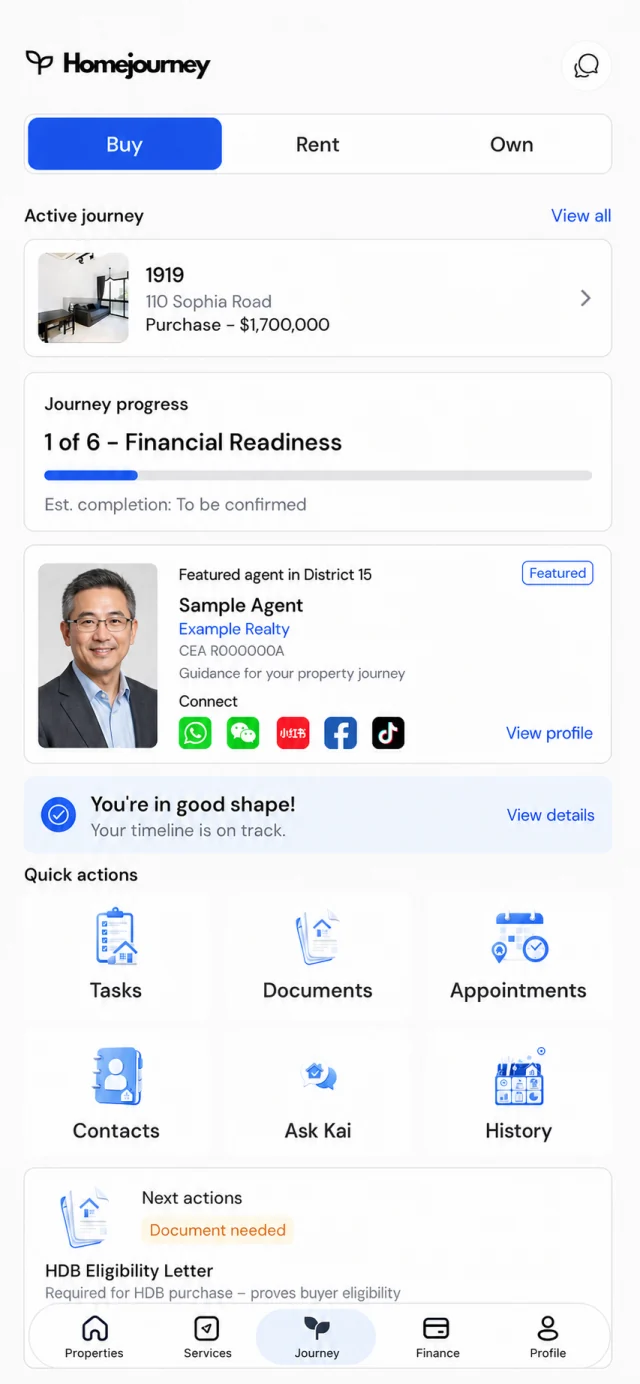
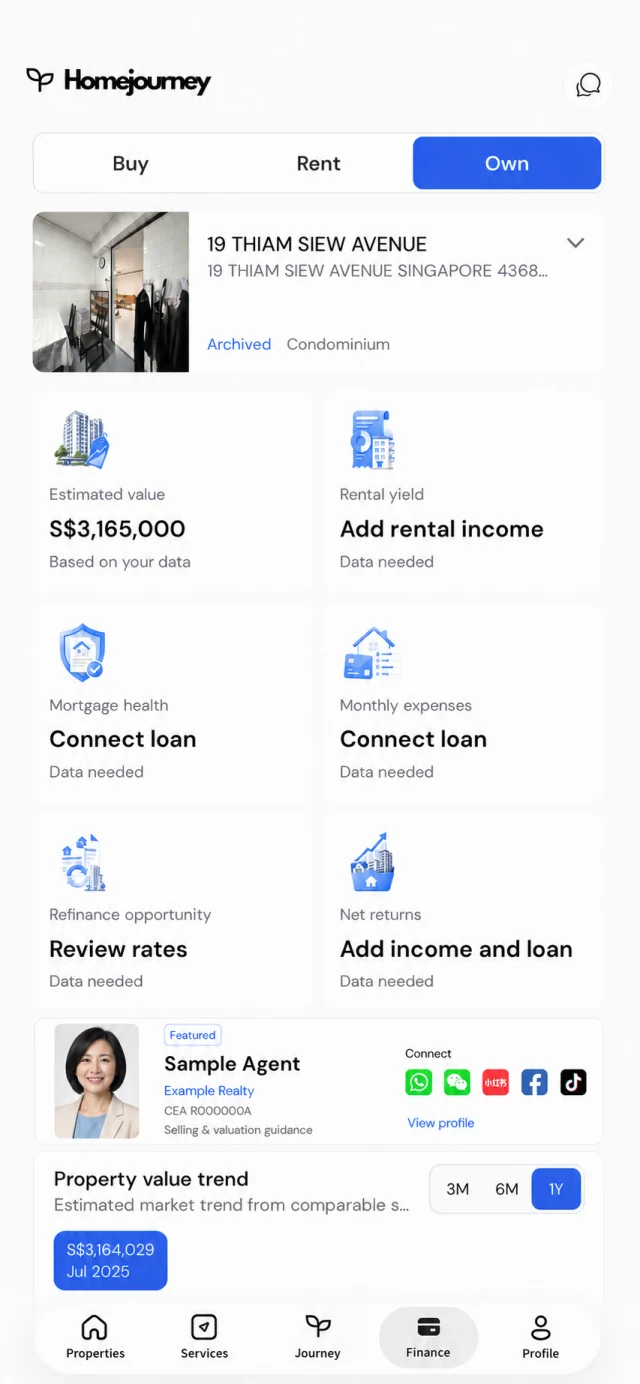
Property infographics
Turn listing facts and property photos into polished portrait designs ready to review.
Homejourney Studio
Turn property photos and listing details into polished infographics, virtual staging, and walkthroughs—inside one focused creation workspace.
One Homejourney account. Private projects. HomePoints shown before generation.
Create in one place
Choose the result you need, bring the property context, and keep every project organised for review and reuse.
Turn listing facts and property photos into polished portrait designs ready to review.
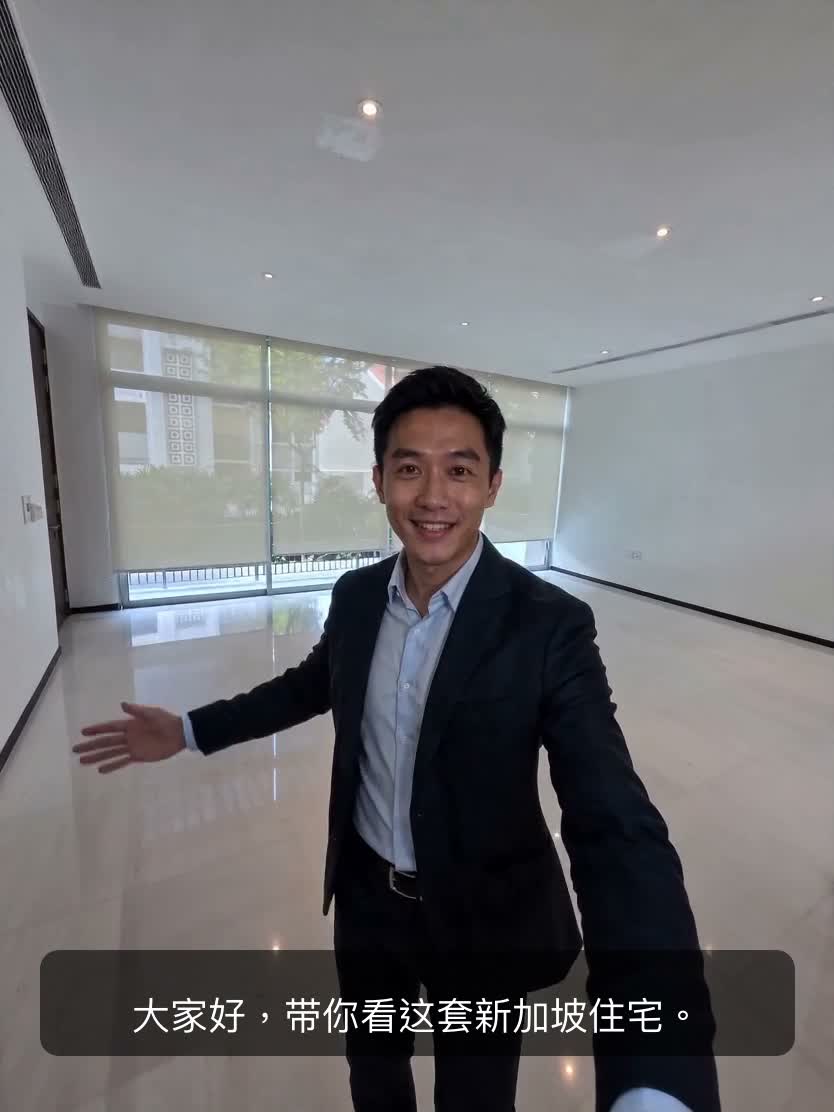
Furnish an empty room or restyle a lived-in space while preserving its structure and angle.
Sequence room photos, shape the narration, and assemble a listing walkthrough in one flow.
A focused creation flow
Studio keeps the property, inputs, generation choices, and completed media together instead of scattering the work across disconnected tools.
Add the photos and facts needed for the chosen workflow.
Review the format, sequence, style, and HomePoints total.
Generate, review, and return to the project when you need it.
Built into Homejourney
Studio has its own focused application home while continuing to use Homejourney identity, project authority, and HomePoints.
Your workspace stays private and project media follows the existing Homejourney access boundary.
Review the HomePoints total before generation and keep creation spending in one shared wallet.
Start from the web, a Homejourney workshop, or an agent workflow without creating a second identity.
Open your private Studio workspace and choose the property-media workflow that fits the next conversation.
Open Studio