The definitive guide to tracking live SORA rates, understanding 3M vs 6M SORA, and making informed home loan decisions in Singapore's dynamic market. Track rates securely with Homejourney.
Executive Summary
In Singapore's property market, where timing your home loan can save thousands, real-time SORA rate tracking is essential for smart homebuyers. SORA (Singapore Overnight Rate Average), administered by the Monetary Authority of Singapore (MAS), has replaced SIBOR as the key benchmark for floating-rate home loans.[7] This pillar guide from Homejourney equips first-time buyers, upgraders, and investors with everything needed to monitor live SORA rates, compare 3M SORA and 6M SORA tracking, set rate alerts, and optimize financing decisions.
Discover current trends showing SORA at 0.98% as of February 2026, with forecasts of a cyclical low around 1% before gradual rises.[3][8] Learn how Homejourney's SORA rate tracker on our bank rates page provides daily updates, side-by-side bank comparisons (DBS, OCBC, UOB, HSBC, and more), and instant mortgage calculators. Prioritizing user safety and trust, Homejourney verifies data transparently to help you buy confidently.
What is SORA? The Backbone of Singapore Home Loans
SORA, or Singapore Overnight Rate Average, is the volume-weighted average rate of borrowing transactions in the unsecured overnight interbank SGD cash market in Singapore between 8am and 6:15pm each business day.[7] Administered by MAS, it reflects actual transaction costs, making it more transparent and reliable than survey-based benchmarks like SIBOR.[2]
By 2026, all new floating-rate home loans in Singapore are pegged to compounded SORA, following the full phase-out of SIBOR and SOR.[1][2] This shift ensures rates respond directly to market conditions, benefiting borrowers when funding costs fall—as seen with SORA dropping to 0.98% recently.[3]
For homebuyers, tracking live SORA rates means anticipating payment changes. A HDB buyer financing a $500,000 flat at 3M SORA + 0.8% margin could see monthly payments drop from $2,800 to $2,400 if SORA falls 0.5%, per Homejourney's mortgage calculator at https://www.homejourney.sg/bank-rates#calculator.
How SORA is Calculated Daily
SORA uses real interbank transactions, volume-weighted for accuracy—larger loans influence the rate more.[2][7] Compounded versions (1M, 3M, 6M) average daily SORA over the period, refreshing periodically. This backward-looking method provides stability but means rates are known in arrears.[2]
SORA vs SIBOR: Why the Switch Matters in 2026
Pre-2024, SIBOR dominated, but its survey-based quotes were prone to manipulation risks. SORA's transaction-based formula aligns with IOSCO global standards, offering greater trustworthiness.[2] Singapore completed the transition by 2026, with most loans now on compounded SORA.[1]
Floating SORA loans fell faster than fixed rates in 2025 as SORA declined, giving borrowers quicker relief.[1] For refinancers, this means potential savings—check Homejourney bank rates to compare.
3M SORA vs 6M SORA: Which to Track for Your Loan?
3M SORA compounds daily SORA over three months, refreshing quarterly—more responsive to rate changes.[2] 6M SORA uses six months, offering greater stability but slower adjustments.
| Feature | 3M SORA | 6M SORA |
|---|---|---|
| Compounding Period | 3 months | 6 months |
| Refresh Frequency | Quarterly | Semi-annually |
| Sensitivity to Changes | Higher (faster response) | Lower (more stable) |
| Best For | Active monitors, falling rates | Predictability seekers |
In 2026's expected low-rate environment, 3M SORA suits those anticipating Fed cuts, while 6M offers calm.[2] Use Homejourney's SORA rate tracker to monitor both.
Live SORA Rates and Historical Trends in 2026
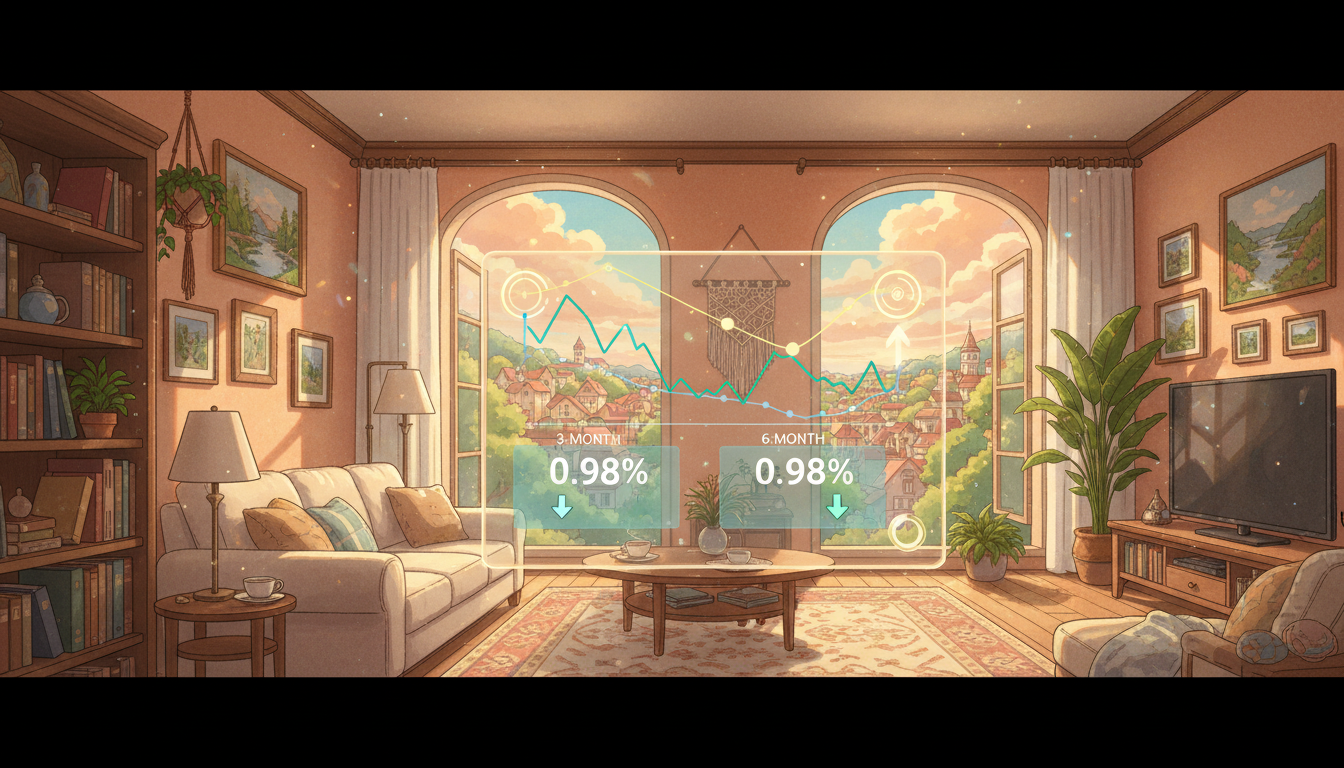
The chart below shows recent interest rate trends in Singapore, highlighting 3M and 6M compounded SORA movements over the past 6 months:
SORA hit 0.98% in Feb 2026, down from 3% early 2025, near 3-year lows.[3][4] UOB forecasts a bottom at 1% by Q2 2026, rising to 1.39% year-end amid resilient growth.[8][2] Track live SORA rates daily via Homejourney for precise timing.
SORA Forecasts for Homebuyers
These align with MAS policy holding S$NEER steady, with upside inflation risks.[3]
Fixed vs Floating SORA Rates: Complete Comparison
Fixed rates lock for 2-5 years; floating SORA adjusts with market. Fixed suits risk-averse; floating rewards trackers in falling markets.[1]
| Aspect | Fixed Rate | Floating SORA |
|---|---|---|
| Stability | High (locked period) | Variable |
| Current Appeal (2026) | Higher initial rates | Lower, falling faster[1] |
| Risk | Repricing risk post-lock | Rate rise exposure |
| Best For | Budget planners | Rate watchers |
First-time HDB buyers often start fixed for predictability under TDSR.[1]
Current SORA-Pegged Rates from Major Banks
As of Feb 2026, banks offer competitive spreads over SORA. Compare on Homejourney's bank rates page:
- DBS: 3M SORA + 0.70%
- OCBC: 3M SORA + 0.65%
- UOB: 3M SORA + 0.75%
- HSBC: 3M SORA + 0.60%
- Standard Chartered: 3M SORA + 0.80%
- Maybank, CIMB, RHB: From +0.70%
Rates vary by profile; Homejourney aggregates verified offers from all partners for transparency.
How SORA Fluctuations Impact Your Monthly Payments
For a $800,000 BTO flat (25-year loan), at 3M SORA 1% + 0.7% margin (1.7% total):
- Monthly: ~$4,200
- If SORA rises to 1.5%: ~$4,500 (+$300)
- Tool: Test scenarios on Homejourney calculator
Under ABSD and TDSR, precise tracking prevents overextension. HDB rules cap loans at 75-90% LTV.[1]
Essential Tools for 3M SORA, 6M SORA Tracking & Rate Alerts
- Official MAS SORA Page: Daily rates[7]
- Homejourney SORA Rate Tracker: Live 3M/6M updates, alerts at bank-rates
- Bank Apps: DBS digibank, OCBC 360 for personalized views
- Alerts Setup: Notify at thresholds (e.g., SORA <1%)
Insider tip: Pair with How to Use Homejourney Bank Rate Comparison: 2026 Guide for pro tips.
Smart Decision Framework for SORA Loans
Assess risk tolerance:
- Low Risk: Fixed or 6M SORA
- Medium: 3M SORA
- High: Monitor for repricing, per Refinancing vs Repricing: Which Saves You More Money in 2026?
Consider economy: With Fed cuts likely, float now.[2] Always consult advisors; this is educational only.
Homejourney: Your Trusted Partner for SORA Tracking & Loans
Homejourney prioritizes safety with verified rates, Singpass applications, and multi-bank submissions—one form, offers from DBS to Citibank. Features:
- Live SORA Tracker: 3M/6M rates, rate alerts
- Compare 11 Banks: Side-by-side at https://www.homejourney.sg/bank-rates
- Mortgage Calculator: Instant paymentsHow to Use Homejourney Mortgage Calculator: 2026 Guide
- Singpass Apply: Fast verificationStep-by-Step Singpass Loan Application Guide | Homejourney
Post-loan, search properties via property search or maintain with Aircon Services .
FAQ: Real-Time SORA Rate Tracking for Singapore Homebuyers
What is a SORA rate tracker? A tool monitoring live 3M/6M SORA for loan decisions. Homejourney offers one with bank comparisons.
Current 3M SORA rate? ~0.98% (Feb 2026); check Homejourney for live.[3]
3M vs 6M SORA: Which better now? 3M for falling rates in 2026.[2]
How to set rate alerts? Via Homejourney bank-rates; notify on drops.
Does SORA affect HDB loans? Yes, most floating pegged to it post-SIBOR.[1]
Best bank for low SORA spread? Compare DBS/OCBC on Homejourney.
Refinancing in low SORA? Yes; see How to Calculate If Refinancing is Worth It: Homejourney Guide .
TDSR and SORA tracking? Track to stay under 55-60% ratio.
Multi-bank apply via Homejourney? Yes, one-clickBenefits of Multi-Bank Application in One Click | Homejourney .
Ready to act? Visit Homejourney bank-rates for your SORA rate tracker, comparisons, and secure applications. Homejourney ensures a safe journey with transparent tools and verified data.