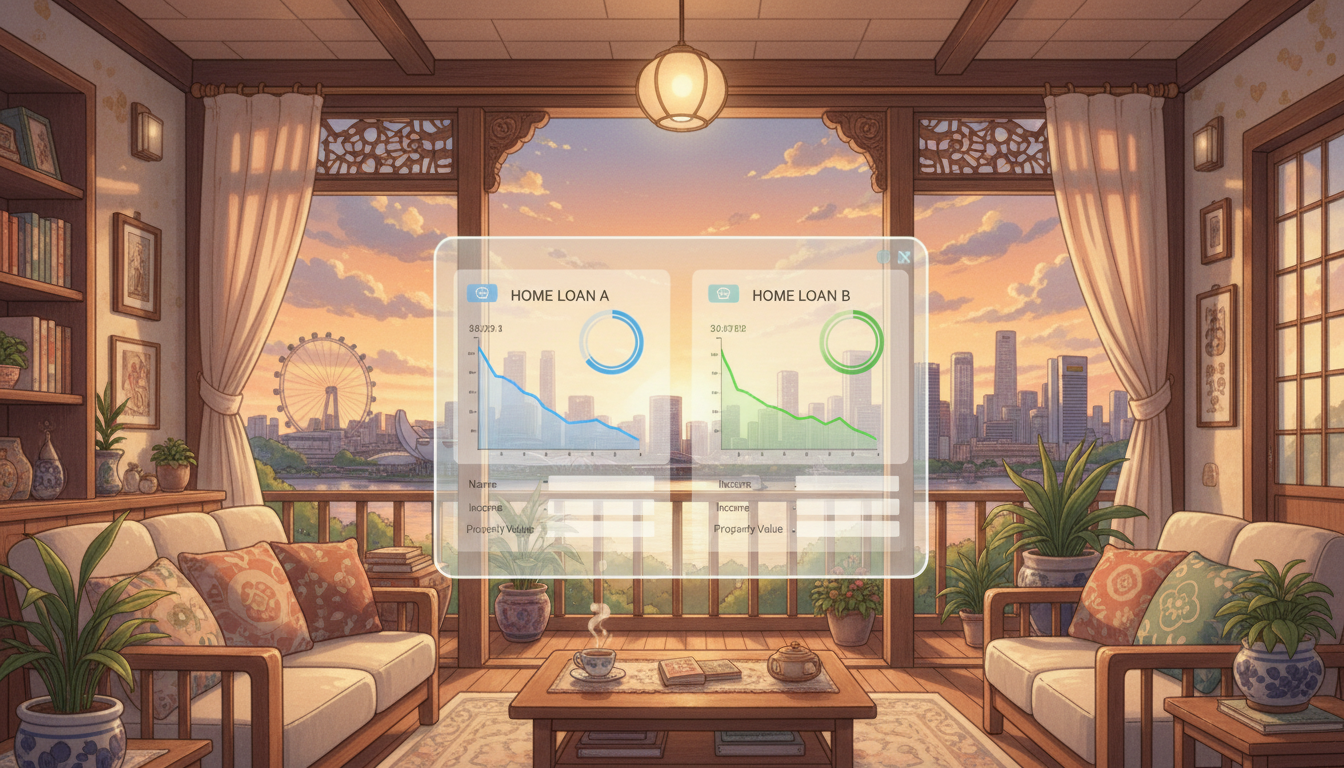
How to Use Homejourney Bank Rate Comparison: 2026 Guide
Homejourney Bank Rate Comparison lets you instantly compare home loan rates from DBS, OCBC, UOB, HSBC, Standard Chartered, Maybank, and more major Singapore banks in one secure platform.[1]
This tool factors in TDSR calculator, MSR calculator, debt ratio calculator, eligibility limits, and borrowing capacity TDSR to show your maximum loan amount while ensuring compliance with MAS regulations.[1][2]
Why Use Homejourney for Bank Rate Comparison?
In Singapore's competitive property market, securing the best mortgage rate can save you tens of thousands over 25-30 years. Homejourney verifies rates in real-time from partner banks, prioritizing user safety with Singpass integration for secure, auto-filled applications.[1][2]
Unlike manual searches, our platform lets banks compete for your business—submit one application and receive the best offers. This aligns with Homejourney's commitment to transparency, verified data, and a trusted environment.[1][3]
For first-time HDB buyers eyeing BTO flats in Punggol or condo investors in District 10, accurate TDSR and MSR calculations prevent overborrowing.[1]
Step-by-Step: How to Use Homejourney Bank Rate Comparison
Visit https://www.homejourney.sg/bank-rates to start. Here's the exact process:
- Access the Tool: Log in with Singpass for instant eligibility checks—no paperwork needed.[1][2]
- Enter Your Details: Input income, age, existing debts. Our TDSR calculator (Total Debt Servicing Ratio, capped at 55% by MAS) and MSR calculator (Monthly Servicing Ratio, 30% for HDB) compute your limits automatically.[1]
- Compare Rates: See side-by-side rates for SORA Pibor, fixed, and board rates from DBS (e.g., 3.5% effective SORA), OCBC (3.6%), UOB (3.4%), HSBC, and others. Filter by lock-in period (1-5 years).[1]
- Calculate Borrowing Capacity: Use the debt ratio calculator to see max loan for a S$1.2M condo—e.g., S$900K at 4% over 25 years.[1][2]
- Apply Multi-Bank: One-click submits to multiple banks; get pre-approvals in 24-48 hours.[1]
Pro tip: Check during off-peak hours (e.g., 10 AM weekdays) for fastest Singpass processing.[1]
Understanding Key Calculators on Homejourney
TDSR Calculator Explained
TDSR limits total debt (including home loans, car loans) to 55% of gross income. For a S$10,000 monthly earner, max debt servicing is S$5,500. Homejourney's tool simulates scenarios, e.g., adding a S$800 car loan reduces home loan capacity by 15-20%.[1]
MSR Calculator for HDB Buyers
HDB's MSR caps housing at 30% of income. A couple earning S$8,000 can borrow up to S$2.4M for resale flats, but TDSR may limit further. Use our calculator at https://www.homejourney.sg/bank-rates#calculator.[1][2]
Debt Ratio and Eligibility Limits
Track borrowing capacity TDSR with real-time SORA (currently ~3.2% for 3M compounded). Homejourney shows eligibility limits per bank, e.g., DBS suits families with 2-3 year lock-ins.[1]
Current 2026 Bank Rates Snapshot
As of February 2026, average SORA-based rates hover at 3.4-3.8%. DBS offers 3.45% (SORA + 0.6%), OCBC 3.50%, UOB 3.40%. Fixed rates from HSBC start at 3.2% for 2 years. Always verify on Homejourney for live updates.[1]
The chart below shows recent interest rate trends in Singapore:
SORA has stabilized post-2025 hikes, ideal for locking fixed rates now. Compare fully on Homejourney Bank Rate Comparison.[1]
Singapore-Specific Tips for Using the Tool
- Factor CPF usage: Homejourney auto-includes Ordinary/Enhanced CPF for downpayments, boosting capacity by 20-30%.[1]
- HDB vs Private: Resale HDB in Toa Payoh? MSR applies. Condos in Orchard? Pure TDSR.[1]
- Refinancing: If rates drop 0.5%, save S$20K on S$1M loan. Check eligibility first.[1]
- Investor Alert: Max LTV 75% for second properties; our tool flags this.[1]
Insider tip: Pair with Homejourney property search to match loans to listings under S$1.5M in Yishun.[1]
Disclaimer: Rates fluctuate; this is not financial advice. Consult Homejourney Mortgage Brokers for personalized guidance.[1]
Related Resources on Homejourney
Deepen your knowledge with these:
TDSR & MSR Calculator: Check Borrowing Limits with Homejourney
How to Use Homejourney Mortgage Calculator: 2026 Guide
Singpass贷款申请完整步骤指南:Homejourney安全指南
Frequently Asked Questions (FAQ)
How accurate is Homejourney's TDSR calculator?
It uses official MAS/HDB formulas with your real inputs via Singpass, matching bank assessments 95%+.[1][2]
Can I compare all banks like DBS, OCBC, UOB on Homejourney?
Yes, including HSBC, Standard Chartered, Maybank—11 partners with real-time rates.[1]
What's the fastest way to apply for loans?
One-click multi-bank via Singpass at https://www.homejourney.sg/bank-rates—pre-approvals in 1-2 days.[1]
Does it work for refinancing?
Absolutely—input current loan details to see savings, e.g., switch from 4% to 3.4% SORA.[1]
Is Homejourney safe for financial data?
Singpass-secured, verified listings, and user feedback-driven—your safety first.[1][3]
Ready to compare? Head to Homejourney Bank Rate Comparison now, calculate your borrowing capacity TDSR, and let top banks bid for you. For full mortgage education, see our pillar guide on Singapore Home Loans 2026.